This is the read-only Documentation MCP (it searches Ayrshare’s API docs). To let an AI agent drive the Ayrshare API, see the MCP Server (Action MCP).
- Search through Ayrshare’s API documentation
- Understand available endpoints and parameters
- Generate code that uses Ayrshare’s APIs correctly
- Provide contextually accurate suggestions when working with Ayrshare services
How to Get Started
Ayrshare’s MCP server is available athttps://www.ayrshare.com/docs/mcp.
Claude Desktop
- Navigate to the Connectors page in the Claude settings.
- Select Add custom connector.
- Add
Ayrshare MCPor any name you prefer as your MCP server name andhttps://www.ayrshare.com/docs/mcpas your MCP server URL. - Select Add.
- When using Claude, select the attachments button (the plus icon).
- Select your MCP server.
Claude Code
VS Code

- Create a .vscode/mcp.json file.
- In mcp.json, configure your server:
Cursor

- Use Command + Shift + P (Ctrl + Shift + P on Windows) to open the command palette.
- Search for “Open MCP settings”.
- Select Add custom MCP. This opens the mcp.json file.
- In mcp.json, configure your server:
Using MCP Server Connection
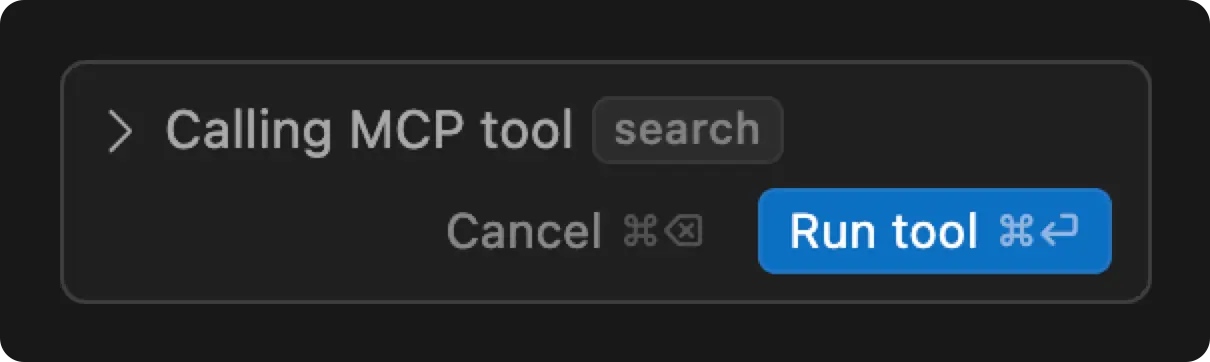
Restart the app to apply the changes. In Cursor, you can test the MCP connector by typingHow do you publish a post in Ayrshare. Use the MCP server.