

Profile-Key.
Nothing is signed on your side and there is no private key in the flow. The one exception is older
integrations that sign their own tokens. See Self-Signed Tokens (Legacy).
Three Ways to Connect
Three shapes, and the first two are the same integration. Pick per flow — they are not exclusive, and plenty of integrations use the hosted page for onboarding and the widget inside the app afterwards.The two widget rows are one integration, not two. A single
init gives you both: mount frames
where you want our buttons, and call popup() from your own button everywhere else. They share
one session and report on the same handlers.Direct mode is the same popup without our script — for
a page with a strict Content-Security-Policy, a server-rendered page, or a native app. There you
open and watch the popup yourself.Not sure? Start with the hosted linking page. It needs no Max Pack and no extra parameters,
and it is the fastest route to something working — moving to the widget later does not change how
sessions are created.Creating a Link
Call Create a Link Session with the user’sProfile-Key in
the header. For the hosted page that is the whole request:
cURL
url carrying a short-lived, opaque token:
Linking URL
This one-minute video walks through creating a link. It predates link sessions, so it still shows
a Private Key being sent — that step is no longer needed, and everything else it shows is
unchanged.
Sending the Linking URL
Opening the Linking URL
Open it in a new browser tab, window, or view controller. You may control the closing or redirecting of that window.The social networks do not allow the hosted linking page to be opened inside an iFrame, or the
approved partner origin
profile.ayrshare.com to be obfuscated. If you want linking to happen
inside your own page, that is what the embedded widget is for:
its frames are served from an Ayrshare origin and are the supported way to do it.Knowing When It Is Done
Two signals, and you can use either:- Link completion events — set an
originwhen you create the link and the linking window postsconnect:success,connect:errorandconnect:cancelledto your page as they happen. No polling. - Get a Link Session — reports
completedAt,lastCompletedAtandcompletedNetworks. This is the signal for native apps, and the only one for Telegram, which completes out of band.
Link Expiry
A link is valid for 5 minutes by default. After that, create a new one. With the Max Pack, setexpiresIn in minutes to widen that window — up to 2880 minutes
(48 hours), which is the maximum the API accepts:
Expires In
Security
The session token travels in the linking URL’s query string. Anything that records URLs can record it: the user’s browser history, proxy and server logs, analytics tools, and redirect services. To limit the risk:- Don’t log the full URL in your own systems. Log the profile and the time instead.
- Send the URL straight to the user. Don’t pass it through link shorteners, redirect trackers or email click-tracking. The Connect Accounts Email sends the link without click-tracking.
- Keep the window short. Use the shortest
expiresInthat works for you (Max Pack). - Revoke a link you think has leaked, using Revoke a Link Session.
Profile Key
TheProfile-Key identifies which User Profile the link is for. Find it in the Ayrshare developer
dashboard by switching to that profile.
You don’t need the Private Key to create links. Links from the API aren’t signed, so there’s
nothing to read from a file or paste into your code. The legacy
privateKey parameter is still
accepted and ignored, so existing integrations keep working.If your integration signs its own tokens, keep your private.key. See
Self-Signed Tokens (Legacy).Switching Profiles
If a profile is already signed in, opening another profile’s link does not switch profiles — that is deliberate, and it keeps the experience fast for a user who is already there. To force a switch, see Automatic Logout of a Profile Session.Instagram Link Method
Instagram accounts can be linked in two ways: directly with Instagram Login, or via a connected Facebook Page. Which flow starts when a user clicks the Instagram button is normally controlled by the account-wide Instagram Login setting. TheinstagramLinkMethod body parameter overrides that setting for a single link:
Instagram Link Method
- It does not change your account-wide setting or affect any other link.
- Omit it and the account-wide setting applies, exactly as before.
- An invalid value returns
400listing the valid values (instagram,facebook). - Review the feature differences before choosing — some Instagram features, such as hashtag search and collaborations, are only available with Facebook Page authentication.
Connect Accounts Email
Ayrshare can email the link to your user for you, so they can reach their linking page without visiting your app. Pair it with a longerexpiresIn — the default five minutes
rarely survives an inbox.
Connect Accounts JSON
Every field insideemail is required. A missing one fails the send.
Example Contact Email Request
emailSent:
Example Contact Email Response
emailSent: false plus an emailError object, so you can send the link to your user another
way:
Example Failed Email Response
emailError appears whenever you asked for an email and it was not sent: either the send failed,
or the email object was missing a required field, in which case details names the missing
fields. emailSent: false with no emailError means no email was requested.
A missing to is different: the whole request is rejected with code: 188.
Connect Accounts Email Example
Here is an example of the email that opens the social linking page: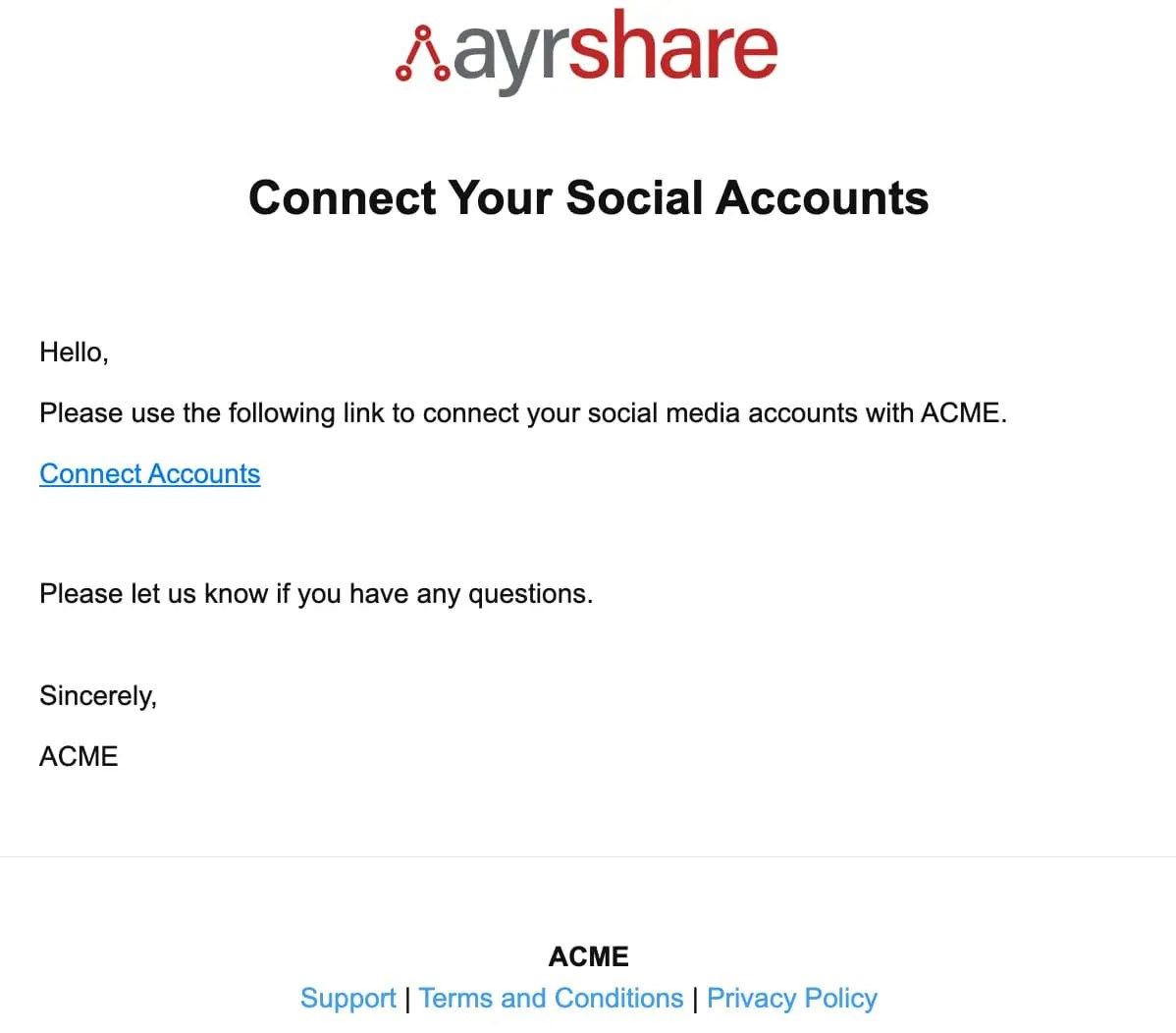
Social Connect Hub <connect@socialconnecthub.com>
Mobile Apps
Open the linking URL in the system browser, never an embedded webview: Google rejects sign-in in one withdisallowed_useragent, and Meta blocks it outright. Your user would see the network’s
own error page, and nothing on your side fixes it.
- iOS —
ASWebAuthenticationSession, orSFSafariViewController. - Android — Chrome Custom Tabs.
origin to your custom scheme
(myapp://connected) so the page has a way back into your app.
Mobile Code Examples
ReplacelinkingURL with the url returned from
Create a Link Session.
Testing
It is recommended to first create a link in Postman. Your Integration Package — on the Primary Profile API Key page of the dashboard — includes a sample Postman config. Import it, fill in your Profile Key in theprofileKey body field, and click Send.
The sample config still pre-fills privateKey and domain. privateKey is ignored, and you can
clear domain unless your account has more than one linking domain.
You can also generate the code from Postman.
Bubble.io
Bubble linking URL
Legacy: generateJWT
Generate a Linking URL (
generateJWT) does the same job and is
deprecated — fully supported, no removal date, and unchanged for links you have already
handed out. Its own page documents its parameters, including the three that are now accepted and
ignored.Both endpoints run the same validator, so everything on this page applies to either. The one
difference worth knowing when you migrate: generateJWT tolerates three things Create a Link
Session rejects — an unrecognised allowedSocial network, a lone X credential, and a non-string
redirect.Self-Signed Tokens (Legacy)
Some older integrations build the linking URL themselves. They sign a token with theprivate.key
from their Integration Package and pass it as ?jwt=.
This still works, and there is no removal date. It’s not recommended for new integrations. Use
Create a Link Session instead.
If your integration signs its own tokens:
- Keep using your
private.key, and keep it secret. - Self-signed links can’t be checked or revoked with the link-session endpoints.
- Don’t reset your Integration Package. A reset retires your current domain and its keys, so links you’ve already handed out stop working and you can’t sign new ones.
- A self-signed link expires only if its token sets an
exptime.expiresInand the link-session default don’t apply to it, so keep that time short. - Treat self-signed link URLs like a password. If one may have leaked, reset your API Key on the dashboard’s API page, then update your integration to use the new key. This protects your account, but it may not stop the leaked link from working. Contact Support to block the link.